

Thank you for purchasing this modern smart cage fan lamp. For safety and the best user experience, please read the following instructions carefully before installation. If you have no experience in electrical installation, it is recommended that you hire a professional electrician to do the installation.
⚠️ Part one: Important safety warnings
Please be sure to read before starting any work!
Cut off the power supply: Before installation, please be sure to turn off the main power supply of the distribution box. It is not enough to just turn off the wall switch to prevent the risk of electric shock.
Check the voltage: Make sure your household voltage is consistent with the rated voltage of the product (usually 110V-120V or 220V-240V, please indicate according to the sales region).
Ceiling load-bearing capacity: The junction box at the installation site must be capable of withstanding at least 35 pounds (16 kilograms) of weight. If installed directly on a concrete ceiling, please use expansion screws.
Wall switch reminder: Do not connect this fan to a wall knob switch with a dimming function. This will cause the fan motor to buzz or damage the remote control receiver. Please use the standard “on/off” wall switch. The dimming function can be achieved through the provided remote control.
Installation height: Although this is an embedded fan, it is still recommended that the fan blades be kept at least 2.3 meters (7.5 feet) above the ground.
🧰 Part two: preparations
Suggested tools
(Phillips Screwdriver)
(Electrical Tape)
(Wire Stripper)
(Ladder)
(Voltage Tester)
Packaging list verification
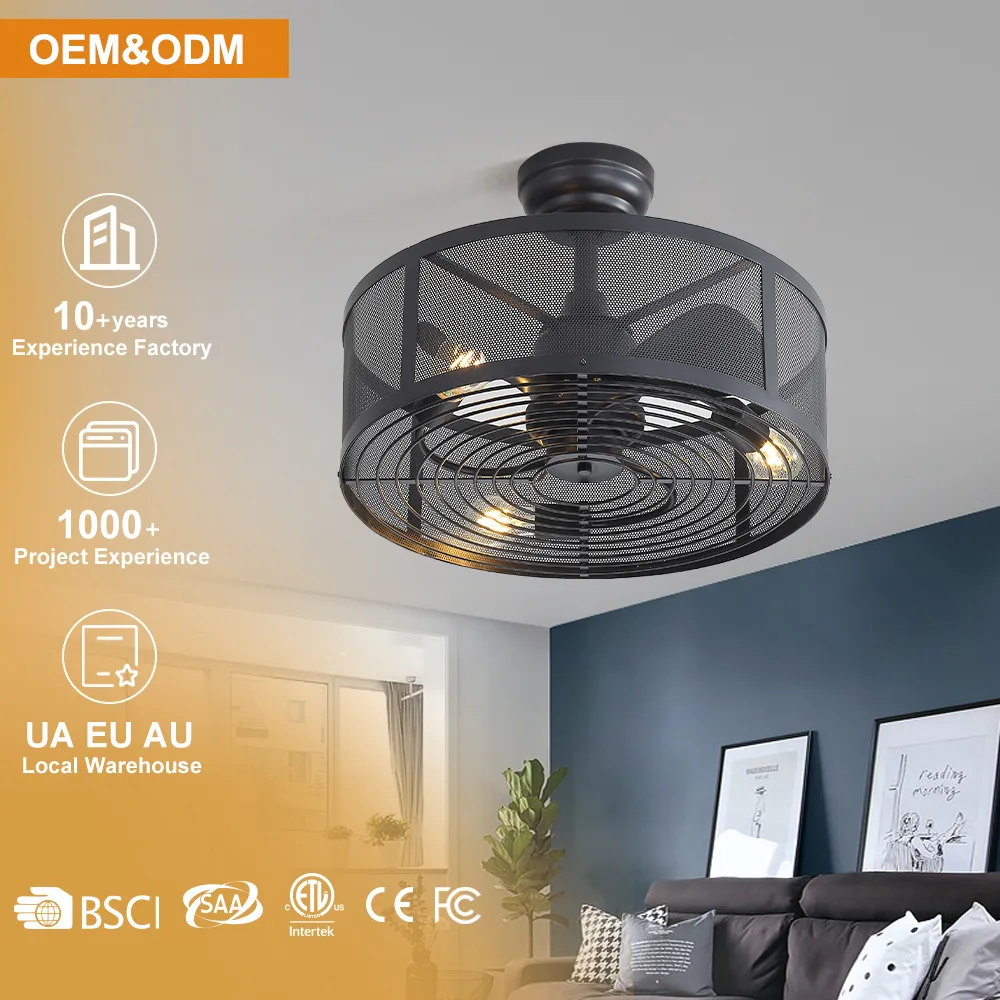
Fan lamp main body (including motor and rattan mesh cover)
(Mounting Bracket)
(Remote & Receiver)
(Screws & Wire Nuts)
Bulbs (If included with the product, usually 4 E12 or E26 bulbs, please confirm)
🔧 Part 3: Installation steps
Step 1: Install the fixed bracket
Remove the old lamps.
Fix the installation bracket to the ceiling outlet box.
Tighten it with the screws in the accessory package to ensure the bracket is stable and free from shaking. This is the key to preventing noise when the fan is running.
Step 2: Hanging and wiring
Note: It is recommended to complete this step with the cooperation of two people. One person holds the lamp body while the other connects the wires.
Hang the steel wire rope (safety rope) of the fan lamp main body on the hook of the installation bracket to reduce the weight burden during wiring.
Connect the wires (standard US color example):
(Black/Live): The live wire connecting the ceiling (usually black as well).
(White/Neutral): The neutral wire connecting the ceiling (usually also white).
(Green/Ground): Ground wire connected to the ceiling.
(Wire Nuts) Tighten the wires and wrap them with insulating tape for reinforcement.
(Note: If the receiver is external, please follow the diagram on the receiver to connect one end of the receiver to the ceiling power supply and the other end to the plug of the fan cable.
Step 3: Fix the lamp body
Tidy up the wires and stuff them into the junction box to prevent them from being squeezed.
Align the base of the fan lamp with the screw holes on the installation bracket.
Push the lamp body upwards and rotate it clockwise (if it is a snap-on type) or directly tighten the side fixing screws against the holes.
Make sure all the screws are tightened and there is no obvious gap between the lamp body and the ceiling.
Step 4: Install the light bulb
As shown in the picture, this type of fan usually uses E12 or E26 base bulbs (please refer to the lamp cap label for details).
It is recommended to use LED Edison bulbs or dimmable LED bulbs to match the dimming function of the remote control.
Please refer to the label on the lamp cap for the maximum wattage (usually no more than 40W or 60W for a single bulb).
Step 5: Power-on test
Restore the power supply of the distribution box.
Turn on the wall switch.
Test with the remote control
Lighting: Test the on/off and three-color changing light functions.
Fan: Test low, medium, and high wind speeds and stop function.
Reverse rotation: Test the forward and reverse rotation switching (usually there is an F/R key on the remote control or it can be switched through a combination key).
❓ Part 4: FAQ & Maintenance
Q1: Pressing the remote control doesn’t respond?
Check whether the wall switch is turned on.
Check whether the remote control battery is installed correctly or has power.
If it still doesn’t work, usually within 10 seconds after power-on, you need to hold down the “Pair” or “Setup” key on the remote control for a long time (please refer to the instructions on the back of the remote control for details) until you hear a “beep” sound.
Q2: Does the fan make noise when it is running?
Check the screws: 90% of the noise is caused by the screws on the installation bracket or the side of the lamp body not being tightened, resulting in resonance.
Running-in period: New motors may have a 24-hour running-in period. A slight sound is normal and will disappear later.
Q3: How to clean?
Rattan mesh cover: Use a feather duster or the soft-bristled brush head of a vacuum cleaner to gently suck away the dust.
Fan blades: It is recommended to remove the bottom cover (if any) or insert a cloth from below to wipe the accumulated dust on the fan blades every six months. Excessive dust accumulation can cause the fan to shake.
📝 simple installation rhyme
“Cut off the power first, then dismantle the old.” Black to black, white to white; Never forget to connect the ground wire. The screw is tightened without swaying.